Introduction
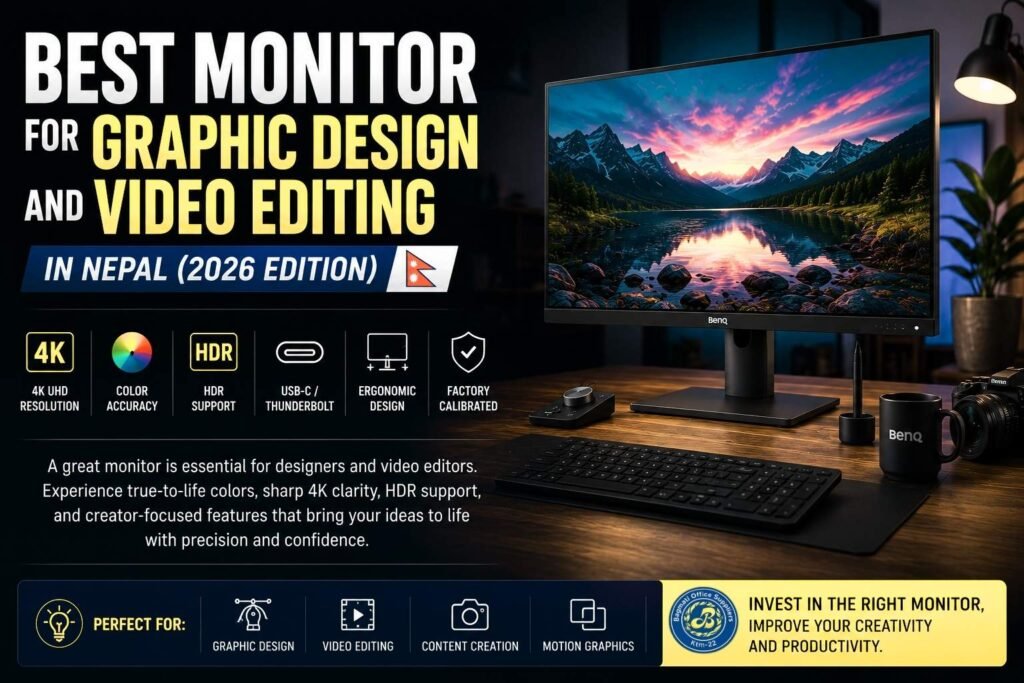
The demand for professional monitors in Nepal is growing rapidly. Today, graphic designers, video editors, YouTubers, digital marketing agencies, and freelancers, Graphic Designer all require high-quality displays for professional work.
Modern creator workflows involve:
- 4K video editing
- Motion graphics
- UI/UX design
- Photo editing
- Color grading
- Multitasking
Because of this, creators now prioritize:
- Accurate colors
- 4K resolution
- HDR support
- USB-C and Thunderbolt connectivity
- Factory calibration
- Ergonomic design
BenQ’s PD series has become one of the most popular monitor lineups for creators because it focuses specifically on professional workflows and color accuracy.
According to professional monitor reviews and creator benchmarks, BenQ PD series monitors are considered among the best creator-focused displays in their category.
This guide compares:
- BenQ PD3226G
- BenQ PD3225U
- BenQ PD3205U
to help you choose the best monitor for Graphic Design and budget.
Monitor Trends in Nepal (2026)
1. 4K Monitors Are Becoming Standard
More creators in Nepal are shifting toward:
- 4K editing
- High-resolution photography
- Large multitasking setups
4K monitors provide:
- Sharper visuals
- Better timeline visibility
- More workspace
- Improved editing accuracy
2. Color Accuracy Is Critical
Professional creators now require:
- DCI-P3 coverage
- Rec.709 support
- Factory calibration
- Delta E ≤2 accuracy
These features ensure:
- Accurate colors
- Better print consistency
- Professional video output
BenQ PD series monitors are designed specifically for these requirements.
3. USB-C and Thunderbolt Are Important
Modern creator setups increasingly depend on:
- USB-C
- Thunderbolt connectivity
- Single-cable workflows
This allows:
- Video transfer
- Charging
- Data transfer
using only one cable.
What Makes a Monitor Good for Graphic Design and Video Editing?
Before buying a professional monitor, consider the following factors.
Color Accuracy
For professional work, accurate colors are essential.
Recommended:
- 100% sRGB
- 95%+ DCI-P3
- Factory calibration
- Delta E ≤2
Resolution
| Use Case | Recommended Resolution |
| Basic Design | QHD |
| Professional Design | 4K |
| 4K Editing | 4K UHD |
| Color-Critical Work | 4K/5K |
Panel Type
IPS panels are preferred because they offer:
- Better color consistency
- Wider viewing angles
- Professional-grade accuracy
HDR Support
HDR improves:
- Dynamic range
- Contrast
- Video previewing
Although HDR400 is entry-level HDR, it still improves creator workflows.
Best Monitors for Graphic Design and Video Editing in Nepal
1. BenQ PD3226G – Best Overall Creator Monitor
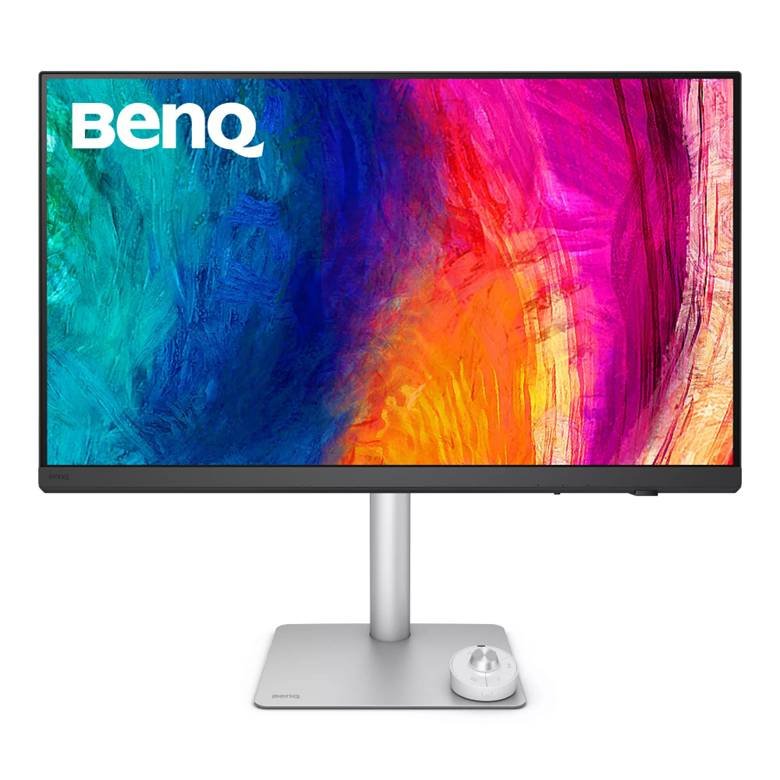
The BenQ PD3226G is one of the most advanced creator monitors currently available.
It combines:
- 4K resolution
- Professional color accuracy
- 144Hz refresh rate
- Thunderbolt 4
- Advanced creator tools
Unlike traditional creator monitors, it also includes a 144Hz refresh rate, making it ideal for:
- Motion graphics
- Animation
- Hybrid gaming + creator setups
Professional reviewers have described it as one of the most versatile creator monitors available.
Product Images
Key Specifications
- 31.5-inch 4K IPS panel
- 144Hz refresh rate
- 95% DCI-P3 coverage
- Pantone validated
- Thunderbolt 4
- HDR400 support
- KVM switch
Best For
- Professional video editors
- Motion graphics artists
- Hybrid creator + gaming users
- Advanced workstation setups
Nepal Price
Expected pricing:
- NPR 1.5–2 lakh+ depending on store and import availability.
Pros
- Excellent color accuracy
- Smooth 144Hz refresh rate
- Premium build quality
- Excellent workflow features
Cons
- Expensive
- HDR limited to HDR400
2. BenQ PD3225U – Best Professional Design Monitor
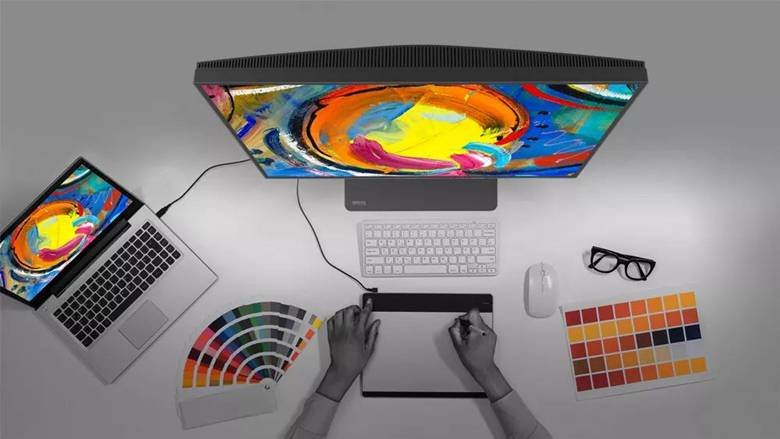
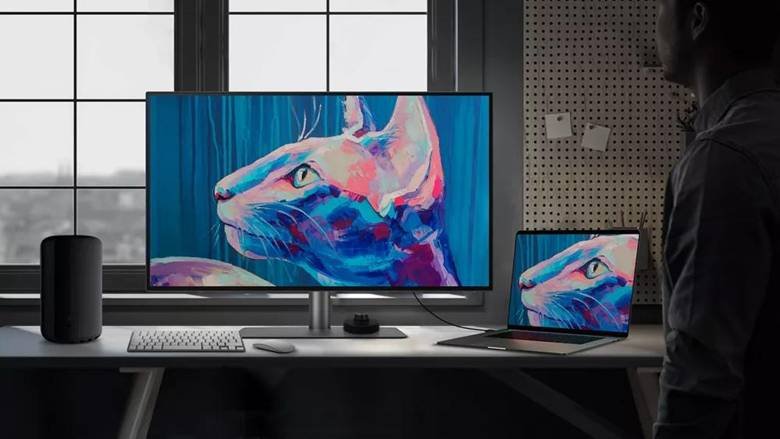
The BenQ PD3225U is built specifically for professional designers and creators.
It focuses on:
- Color precision
- Mac compatibility
- Professional workflow tools
The monitor uses an IPS Black panel for deeper contrast and improved visual quality.
BenQ officially states:
- 98% DCI-P3 coverage
- Delta E ≤2 accuracy
- Factory calibration
- Thunderbolt connectivity
Product Images
Key Specifications
- 31.5-inch 4K IPS Black panel
- 98% DCI-P3 coverage
- HDR400 support
- Thunderbolt 3
- Factory calibration
- KVM switch
Best For
- Professional graphic designers
- MacBook users
- Video editors
- Photographers
Nepal Price
Approximate price:
- NPR 2 lakh+ depending on availability.
Pros
- Excellent color precision
- IPS Black contrast improvement
- Excellent Mac integration
- Professional-grade workflow features
Cons
- 60Hz refresh rate
- Premium pricing
3. BenQ PD3205U – Best Value 4K Creator Monitor
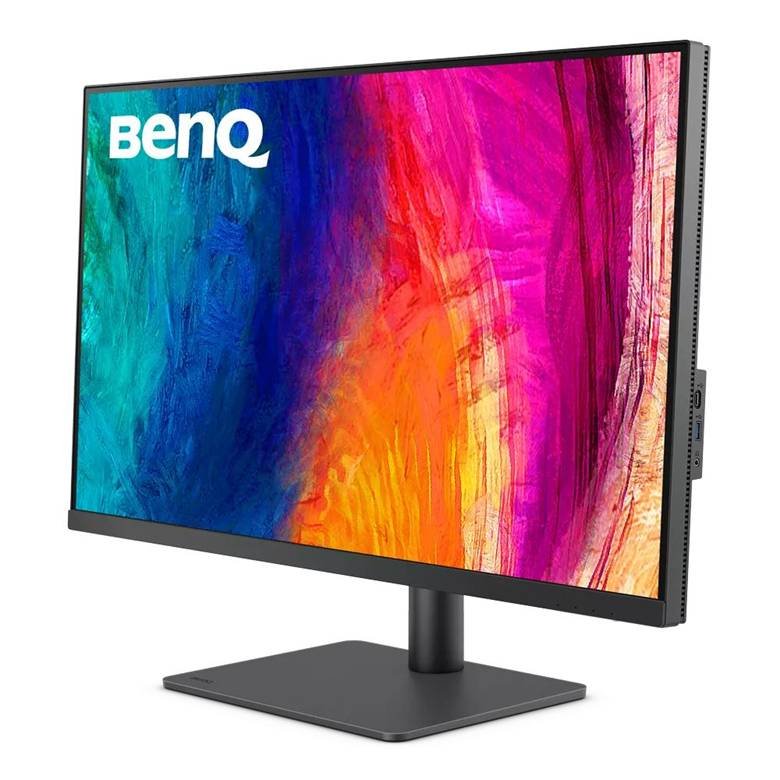
The BenQ PD3205U is one of the best value creator monitors available in Nepal.
It delivers:
- 4K resolution
- Excellent color accuracy
- USB-C support
- Professional creator features
at a more affordable price than flagship creator monitors.
Professional reviewers consider it one of the best budget-friendly professional monitors.
Product Images
Key Specifications
- 31.5-inch 4K IPS panel
- 99% sRGB coverage
- HDR10 support
- USB-C with power delivery
- Factory calibration
Best For
- Freelancers
- Beginner creators
- Budget workstation setups
- Content creators
Nepal Price
Approximate pricing:
- NPR 1.1–1.4 lakh.
Pros
- Excellent value for money
- Strong color accuracy
- USB-C connectivity
- Good professional features
Cons
- 60Hz refresh rate
- Smaller color gamut than premium models
Monitor Comparison Table
| Feature | PD3226G | PD3225U | PD3205U |
| Resolution | 4K | 4K | 4K |
| Panel Type | IPS | IPS Black | IPS |
| Refresh Rate | 144Hz | 60Hz | 60Hz |
| DCI-P3 Coverage | 95% | 98% | Lower |
| Connectivity | Thunderbolt 4 | Thunderbolt 3 | USB-C |
| Best For | Hybrid creator + gaming | Professional design | Budget creators |
| Approx Price | 1.5L–2L+ | 2L+ | 1.1L–1.4L |
Best Monitor for Video Editing
Recommended Choice:
BenQ PD3226G
Why?
- Smooth 144Hz performance
- Excellent creator workflow tools
- Strong color performance
- Excellent multitasking experience
Best Monitor for Graphic Design
Recommended Choice:
BenQ PD3225U
Why?
- IPS Black technology
- Exceptional color accuracy
- Better contrast performance
- Excellent professional calibration
Best Budget Creator Monitor
Recommended Choice:
BenQ PD3205U
Why?
- Excellent value
- Professional creator features
- Strong price-to-performance ratio
Which Monitor Should You Buy?
| User Type | Recommended Monitor |
| Professional Video Editor | PD3226G |
| Graphic Designer | PD3225U |
| Beginner Creator | PD3205U |
| MacBook User | PD3225U |
| Gaming + Editing Hybrid | PD3226G |
Recommended Creator Setup in Nepal
Mid-Range Creator Setup
- Ryzen 9 9900X
- RTX 5070
- BenQ PD3205U
- 32GB DDR5 RAM
Professional Creator Setup
- Ryzen 9 9950X
- RTX 5080
- BenQ PD3226G
- 64GB DDR5 RAM
Frequently Asked Questions (FAQs)
Which monitor is best for graphic design in Nepal?
The BenQ PD3225U is one of the best professional monitors for graphic design because of its color accuracy and IPS Black panel technology.
Is 4K necessary for video editing?
Yes. 4K monitors provide:
- Better detail
- Improved workspace
- More accurate previews
- Better timeline visibility
Is BenQ good for creators?
Yes. BenQ’s PD series is designed specifically for:
- Graphic designers
- Video editors
- Content creators
- Professional workflows
Which monitor is best for Premiere Pro?
The BenQ PD3226G is an excellent option because of its color performance and smooth 144Hz refresh rate.
Which monitor is best for MacBook users?
The PD3225U offers excellent Mac compatibility and Thunderbolt support.
Final Conclusion
Professional creator monitors are becoming increasingly important in Nepal as more people work in:
- Graphic design
- Video editing
- Content creation
- Motion graphics
For creators in 2026:
Best Overall Creator Monitor
BenQ PD3226G
Best Professional Design Monitor
BenQ PD3225U
Best Budget Creator Monitor
BenQ PD3205U
If you are serious about professional creative work, investing in a high-quality 4K BenQ creator monitor can significantly improve your workflow, productivity, and long-term experience.